
Best Home Office Upgrades for Better Video Calls
Best home office upgrades for better video calls: lighting, audio, camera angle, and simple gear tweaks to improve how you look and sound on remote meetings.
There was a time when a blurry webcam and a ceiling light were acceptable on Zoom calls. Not anymore.
Now, whether you're interviewing for a job, pitching a client, running a remote team, or recording content for social media, your setup quietly says a lot before you even speak. A bad camera angle makes you look distracted. Echo-heavy audio makes people tune out faster than you'd think. And somehow, everyone notices poor lighting immediately.
The good news is that improving your video call setup no longer requires a full influencer studio or a thousand-dollar desk makeover. A few smart upgrades can completely change how you look and sound online, and most of them are surprisingly affordable if you know where to look.
If you’ve been slowly building a better workspace or keeping tabs on tech deals, tools like LMK.today make the process less chaotic. Instead of juggling screenshots, browser tabs, and “I’ll buy this later” notes, you can save products from different stores into one organized wishlist and track prices without babysitting every sale.
And honestly, that’s probably the most modern home office skill of all: upgrading intentionally instead of impulse-buying random gadgets at 2 AM.
Start with the thing people notice first: your lighting
Most webcams are not actually bad. Most lighting is.
People often spend hundreds upgrading their camera when the real problem is sitting directly above them in the form of harsh ceiling lights. Even a modest webcam can look sharp with proper front lighting.
A simple ring light works well if you have limited desk space, but soft panel lights tend to look more natural for longer meetings. If your workspace gets decent daylight, positioning your desk near a window still beats most expensive setups.
The trick is avoiding shadows under your eyes and keeping your face evenly lit. You want “clear and awake,” not “crime documentary interview.”
If you're comparing lighting kits across different stores, building a quick shortlist inside LMK.today Products helps more than you’d expect. Especially during sales season when prices swing wildly between retailers.
Audio matters more than video, even if nobody says it
People tolerate average video quality all the time.
Bad audio, though? That ends meetings emotionally.
You can survive a grainy webcam. You cannot survive sounding like you’re speaking from inside a washing machine.
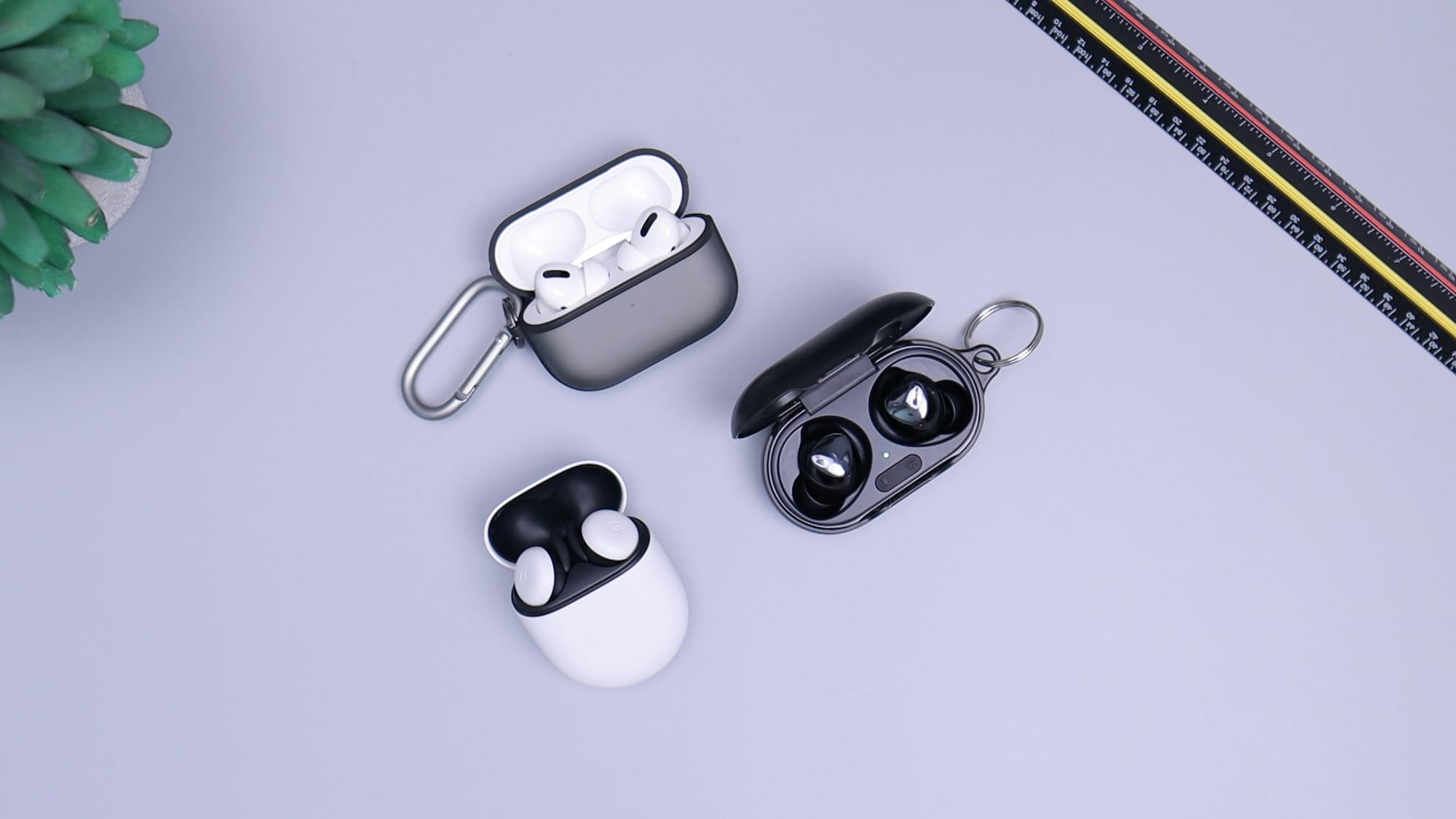
A dedicated USB microphone is one of the highest-impact upgrades you can make for remote work. Even entry-level options dramatically improve clarity compared to built-in laptop mics. If you share your space with roommates, pets, or street noise, noise-canceling headphones help more than expensive speakers ever will.
And if your meetings constantly involve phrases like “Sorry, can you repeat that?” your microphone is already costing you time.
This is also where price tracking becomes genuinely useful instead of just “nice to have.” Audio gear goes on sale constantly, especially around tech events and holiday promos. A proper price tracker app setup means you don’t have to refresh tabs every day hoping your preferred microphone drops by 20%.
You simply wait for the alert and buy when the timing makes sense.
Your webcam probably sits too low
One of the easiest upgrades costs almost nothing: raising your camera to eye level.
Laptop webcams create that slightly awkward downward angle that nobody looks good on. It subconsciously makes you appear distracted or disengaged, even if you’re fully paying attention.
A monitor stand, laptop riser, or even a stack of books instantly fixes this.
External webcams also give you more flexibility with framing and lighting. You do not necessarily need a 4K camera either. Good framing and decent lighting usually outperform raw resolution.
There’s also a practical side to organizing these upgrades properly. If you're comparing desks, risers, webcams, and accessories across multiple stores, using a tool that lets you track prices across stores saves you from forgetting where you found the good deal in the first place.
Which, realistically, happens to everyone after the sixth browser tab.
Backgrounds matter more than people admit
You don’t need a minimalist designer office. You just need your background to stop distracting people.
A clean bookshelf, a plant, warm lighting, or even a neutral wall works perfectly. The goal is visual calm, not personality overload.
Virtual backgrounds are still hit-or-miss unless your lighting is excellent. And blurred backgrounds somehow always blur the wrong thing.
If you’re creating content professionally or attending client-facing meetings regularly, investing in a simple backdrop or better room styling can make your calls feel more intentional without looking staged.
Oddly enough, this is where wishlists become useful outside shopping. A lot of people slowly build their ideal workspace over months instead of buying everything at once. Using a tool to create online wishlists from multiple ecommerce stores makes that process feel less scattered.
Especially if you’re the type who discovers “the perfect desk lamp” at midnight and immediately forgets about it the next day.
Small desk upgrades quietly improve everything
Not every upgrade needs to be dramatic.
Sometimes the best improvements are the ones you stop noticing because they remove friction from your day.
A few examples:
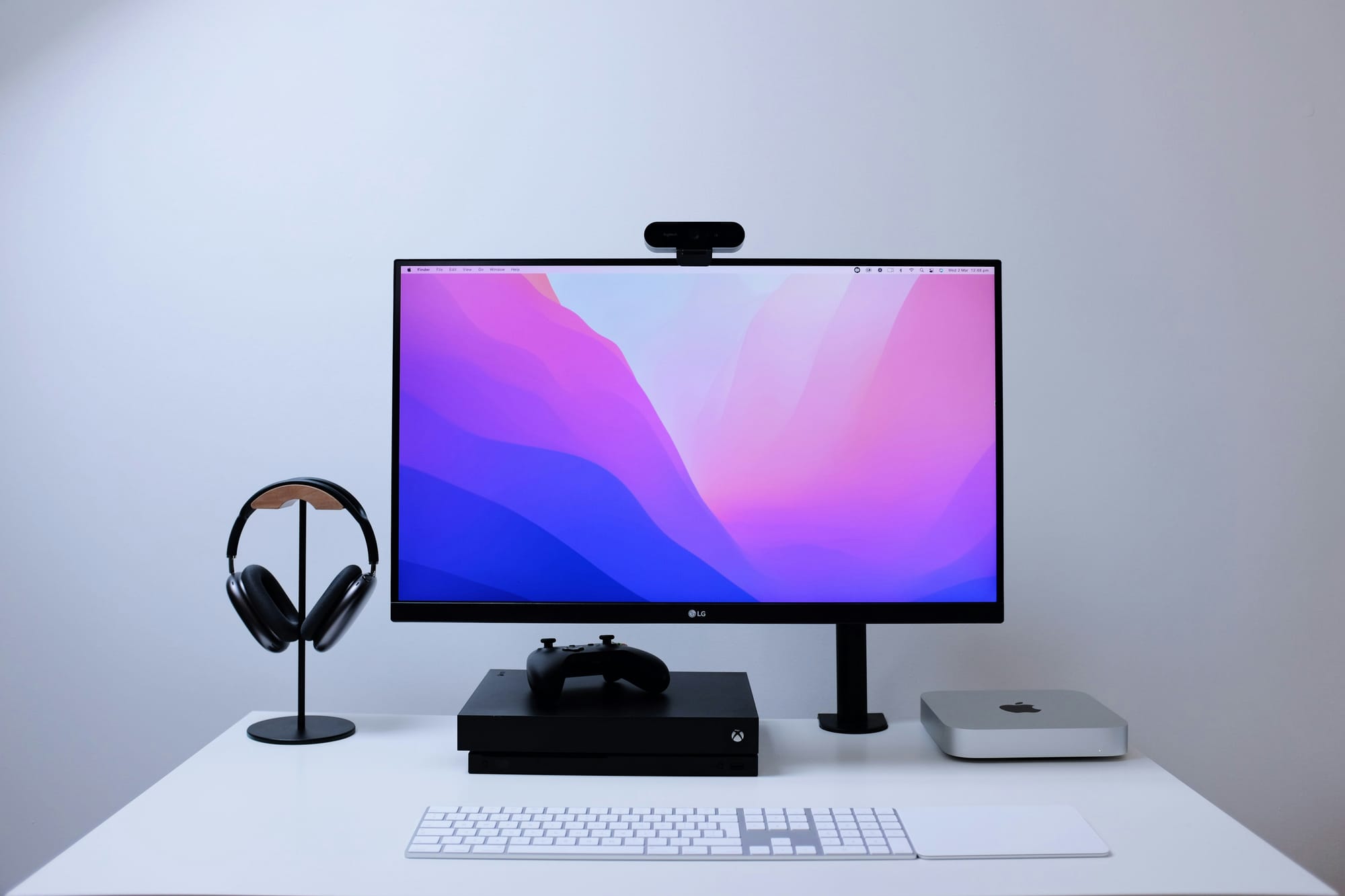
- A monitor arm that frees desk space
- Cable management that stops visual clutter
- A better chair that prevents mid-meeting posture collapse
- A mechanical keyboard that feels satisfying without sounding like construction work
- A desk mat that somehow makes everything feel calmer
These are not viral TikTok upgrades. They’re quality-of-life upgrades. The kind that make remote work feel sustainable instead of temporary.
And if you’re planning larger purchases over time, browser tools become genuinely helpful here. The LMK.today Chrome extension lets you save products directly while browsing, which is far easier than maintaining another messy spreadsheet or bookmarking system you’ll never revisit.
It’s quietly one of the better shopping workflow tools if you’re researching setups across Amazon, IKEA, tech stores, and smaller niche sites at the same time.
The best setup is the one you actually enjoy using
There’s a strange pressure online to build the “perfect” home office immediately.
Perfect lighting. Perfect shelves. Perfect aesthetic coffee mug sitting beside a wireless keyboard that costs more than rent.
Most people do not need that.
What actually improves video calls is comfort, clarity, and consistency. Good lighting. Clear audio. A workspace that helps you focus instead of distracting you.
That’s it.
The smartest upgrades are usually incremental. One better light this month. A microphone during the next sale. Maybe finally organizing your wishlist instead of losing links in your Notes app.
And over time, your workspace starts feeling less like a temporary corner of your house and more like a place designed around how you actually work.
Which, honestly, is the whole point.



